
Email Marketing For Marketing Consultants
Mailrith helps marketing consultants turn client forms, audits, workshops, landing pages, downloads, and newsletters into subscribers they can follow up with from one place.
- Collect emails from client forms, audits, workshops, landing pages, downloads, and newsletters.
- Send welcome emails, client newsletters, launch emails, and follow-up.
- Use tags and custom fields to remember client, offer, source, campaign, and the next step someone should receive.
- Grow your list with unlimited Subscribers on every paid plan.
Why Mailrith
Why Mailrith Fits Marketing Consultants
Forms, Segments, and Sequences help you tailor follow-up to the reason each Subscriber joined.
One List You Can Understand
Keep subscribers, tags, fields, forms, emails, and automations in one workspace.
Useful Follow-Up
Send welcome emails, client newsletters, launch emails, and follow-up without rebuilding the same process each time.
Predictable List Growth
Keep the same paid Mailrith plan as more people join your list.
Unlimited Subscribers, Fixed Mailrith Price
Every paid plan includes unlimited Subscribers. Use forms, campaigns, automations, and reports to grow your list and follow up with the right people.
Practical Email Plan
Turn Audits And Workshops Into Clear Follow-Up
Use email to follow up with people who request audits, join workshops, download guides, or come through referrals.
- 1Capture
Tag The Business Need
Capture Subscribers from audits, workshops, guides, referrals, client forms, and webinars. Tag by service interest, business type, and requested resource.
- 2Welcome
Send The Next Step
Deliver the guide, audit confirmation, workshop details, or webinar link. Set clear expectations for your follow-up emails.
- 3Follow-Up
Teach Before The Offer
Send educational emails, consultation follow-up, workshop reminders, and offers that connect directly to the Subscriber's request.
- 4Stop Or Segment
Separate Prospects And Clients
When a Subscriber books, becomes a client, or finishes a workshop path, stop sales emails and move them to client or education updates. Record external events with Tags, manually or through an integration, and use those Tags in your automation conditions and Sequence-removal steps.
Results To Review
Mailrith reports email activity. Review purchases, bookings, donations, and other business outcomes in the tools that record them.
- Audit requested
- Workshop registered
- Consultation booked
Before You Start
What Marketing Consultants Should Decide First
Why Someone Joins
Write down whether people join for a client campaign, audit, workshop, guide, or launch, regular updates, a launch, or a later offer.
The First Email
Choose one first email that helps the new subscriber know what to do next.
The Tags You Need
Plan simple tags for client, offer, source, campaign, and the next step someone should receive.
The Sender Setup
Review your sender name, sending address, and Reply-To before important emails.
Related Resources
Unlimited Subscribers On Every Paid Plan
Grow your list without moving to a higher Subscriber pricing tier.
Forms
Create signup forms that add people to the correct Mailrith workspace.
Automations
Use events, waits, conditions, and email steps to follow up with subscribers.
Contact Mailrith
Ask for help choosing a plan or planning your first campaign.
Questions People Usually Ask
Can I Keep Each Client’s List Separate?
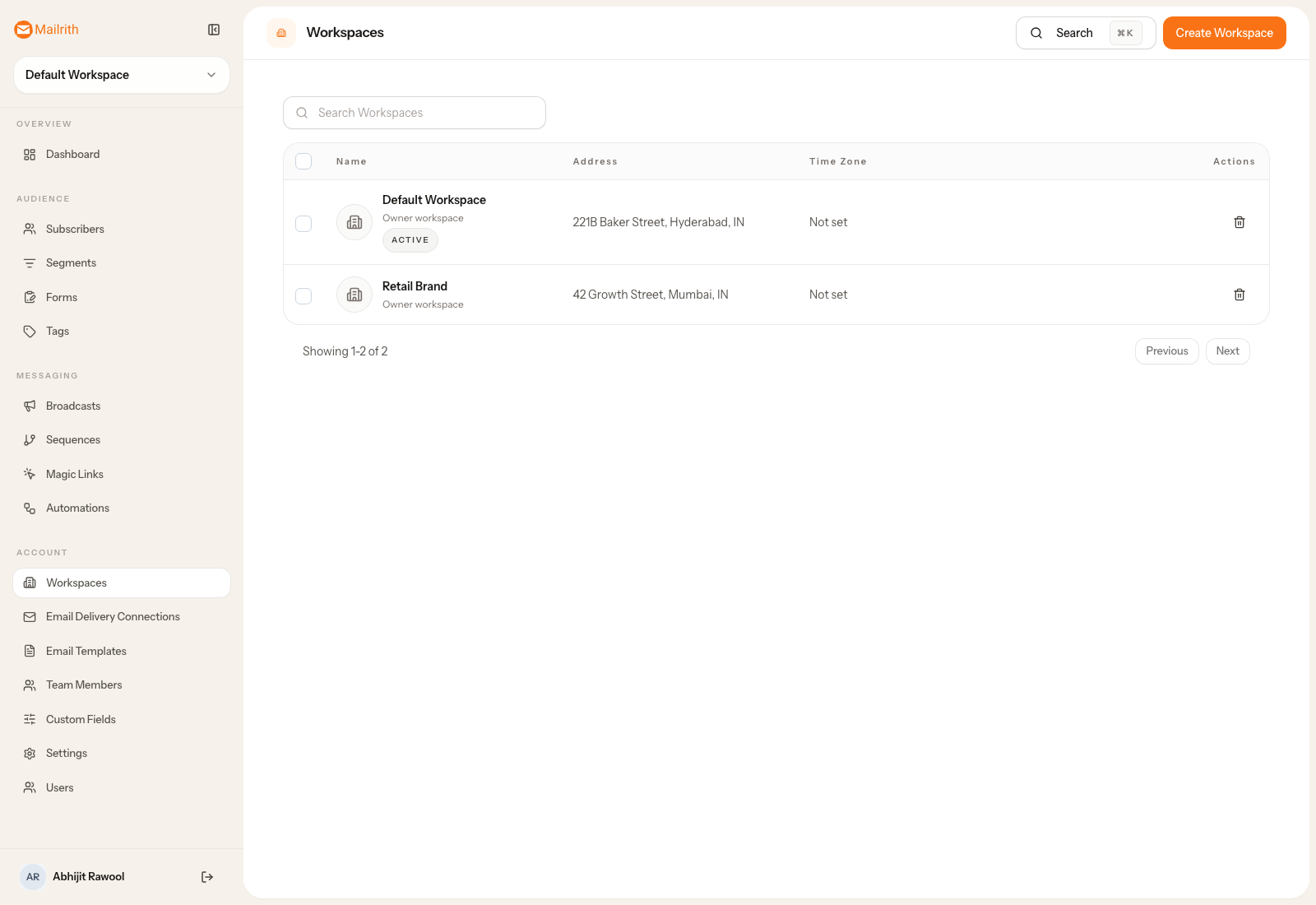
Yes. Create a Workspace for each client so Subscribers, campaigns, Forms, and settings stay separate. Choose a plan with enough Workspaces and team access.